The InQ Suite
Everything InQ Offers
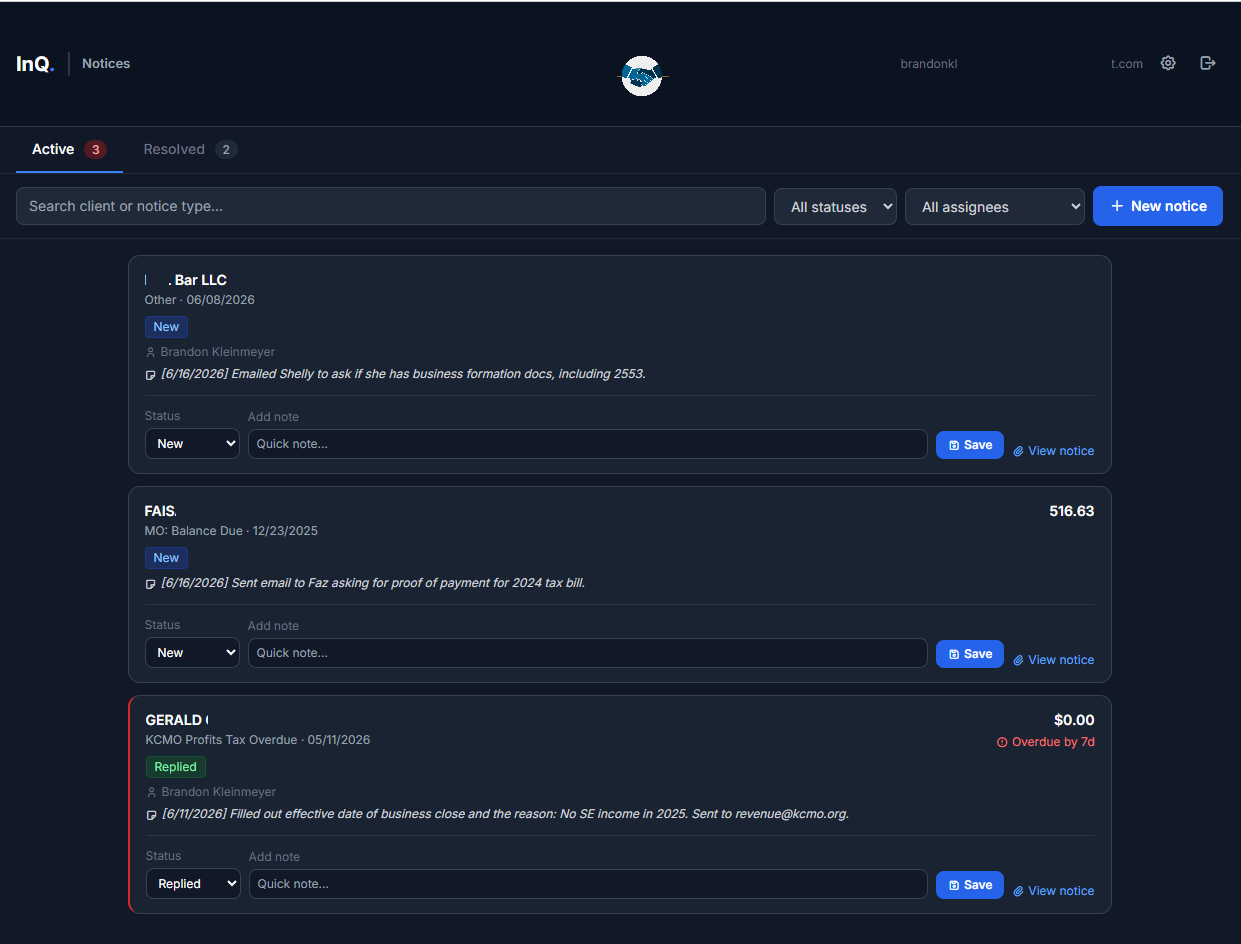
Check-in, Notices, and Portal share the same client record — use them together, or start with just one.
InQ Check-in: Front Office Control
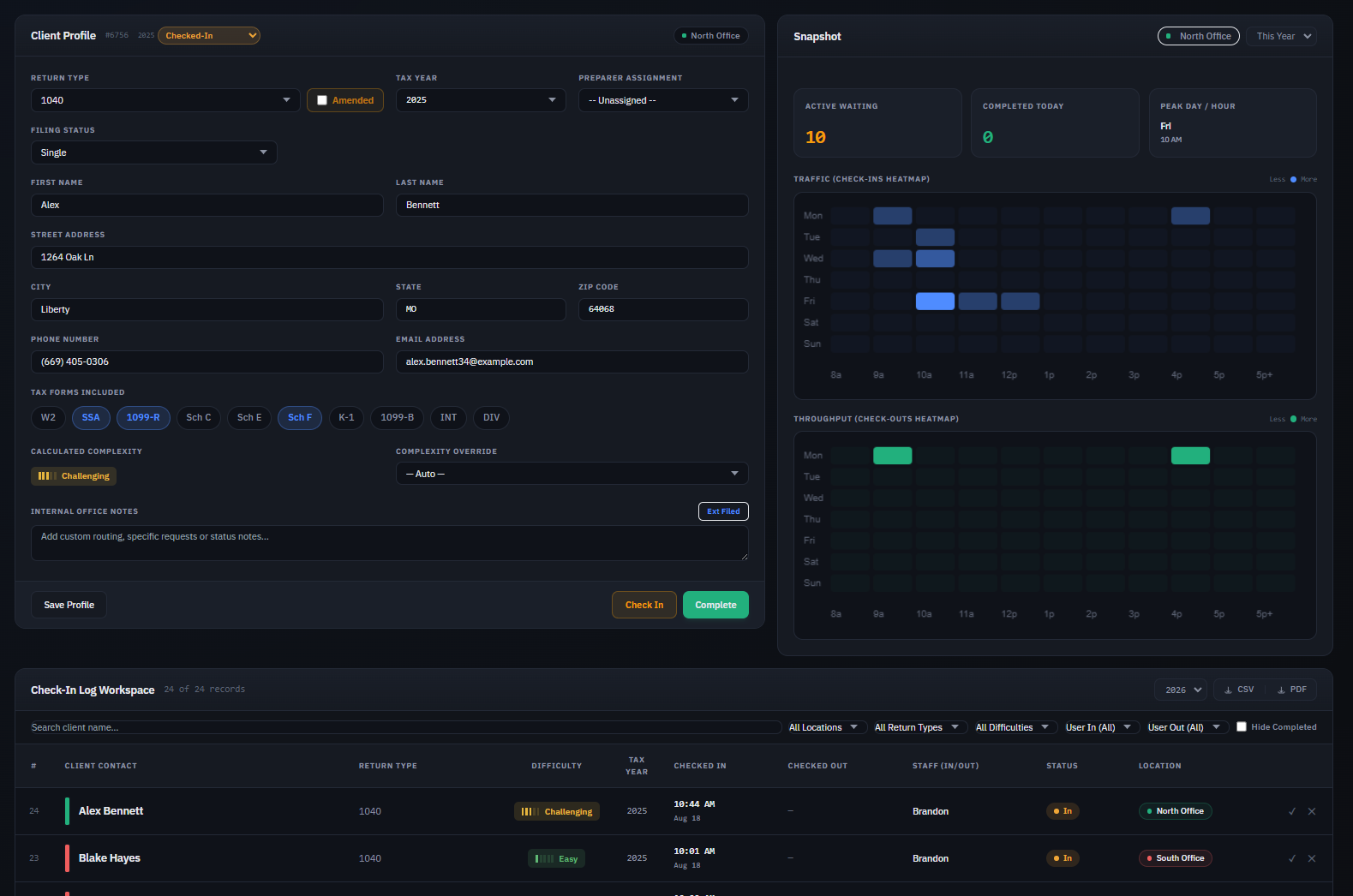
Transform front-desk confusion into an organized assembly line. Staff can log clients in seconds, capture initial documents, and assign difficulty ratings before the preparer even opens the file.
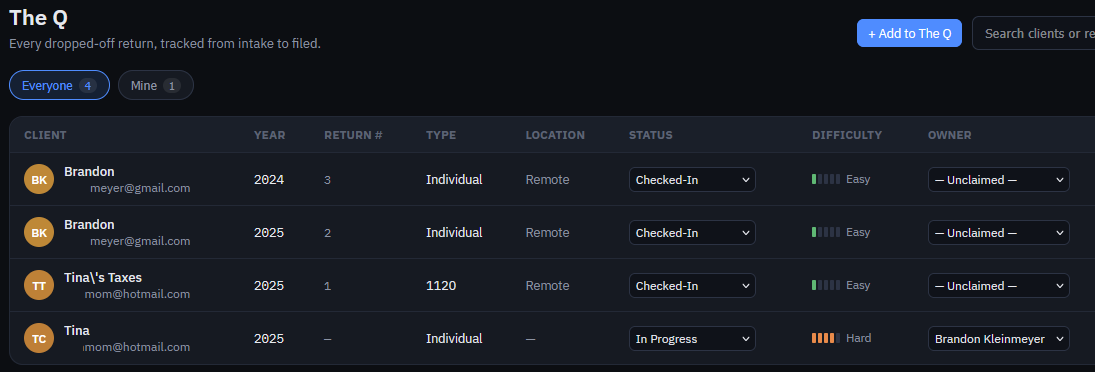
- Return difficulty scoring (Easy to Hard) to guide assignments
- Real-time walk-in & drop-off status queue
- Staff performance & intake speed analytics
Also from InQ Tax
InQ Ledger: Books Built for Taxes
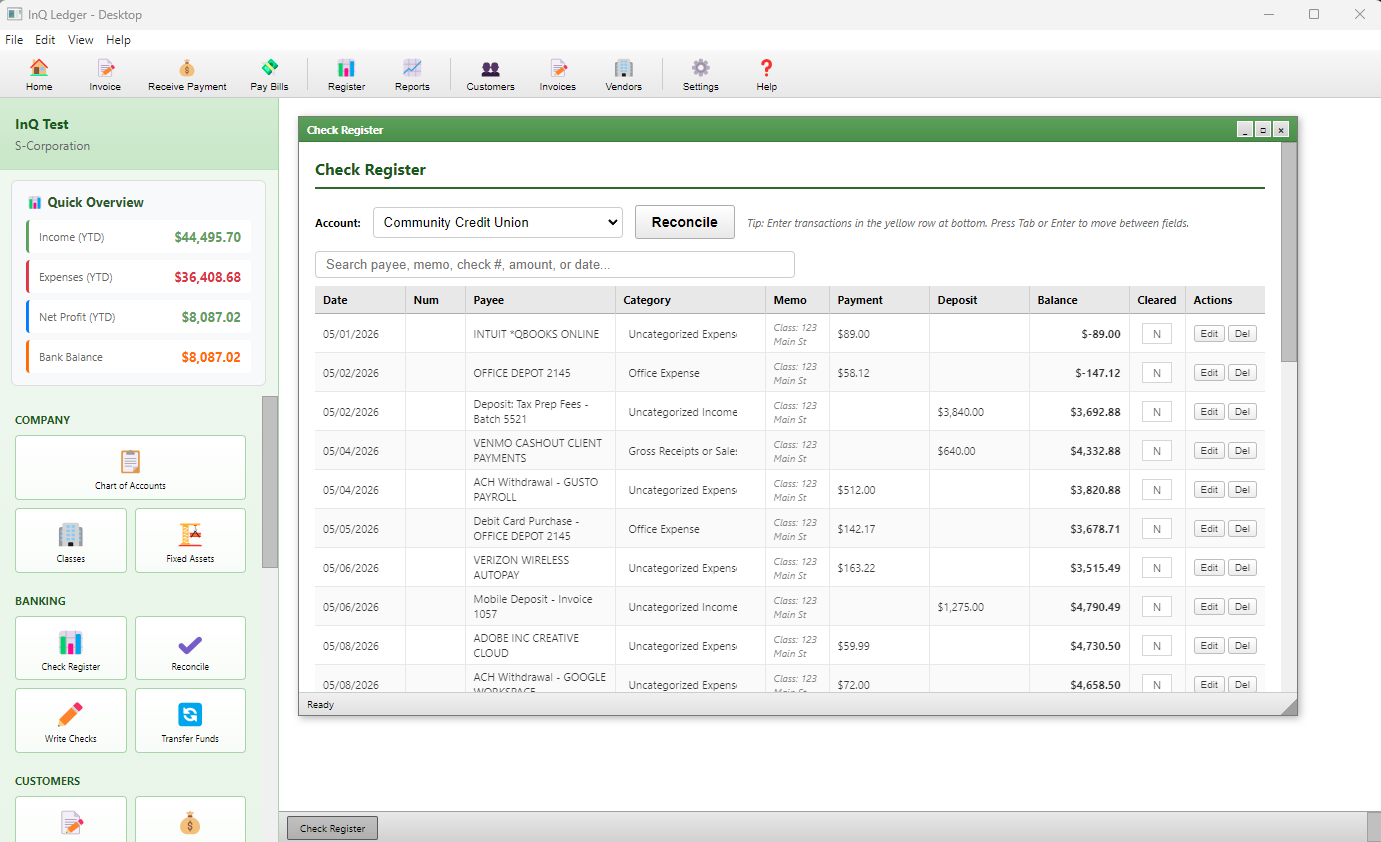
Desktop accounting software with a chart of accounts that mirrors the tax return itself — pick S-Corp, get 1120-S; pick Sole Prop, get Schedule C. April becomes a transfer of numbers, not a translation project.
- Tax-aligned chart of accounts for every entity type
- Live Reconciliation — mark transactions cleared as they happen
- Fully offline, local data — your books stay on your machine
A standalone product, sold and run separately from the rest of the InQ suite.